

Multimodal perception
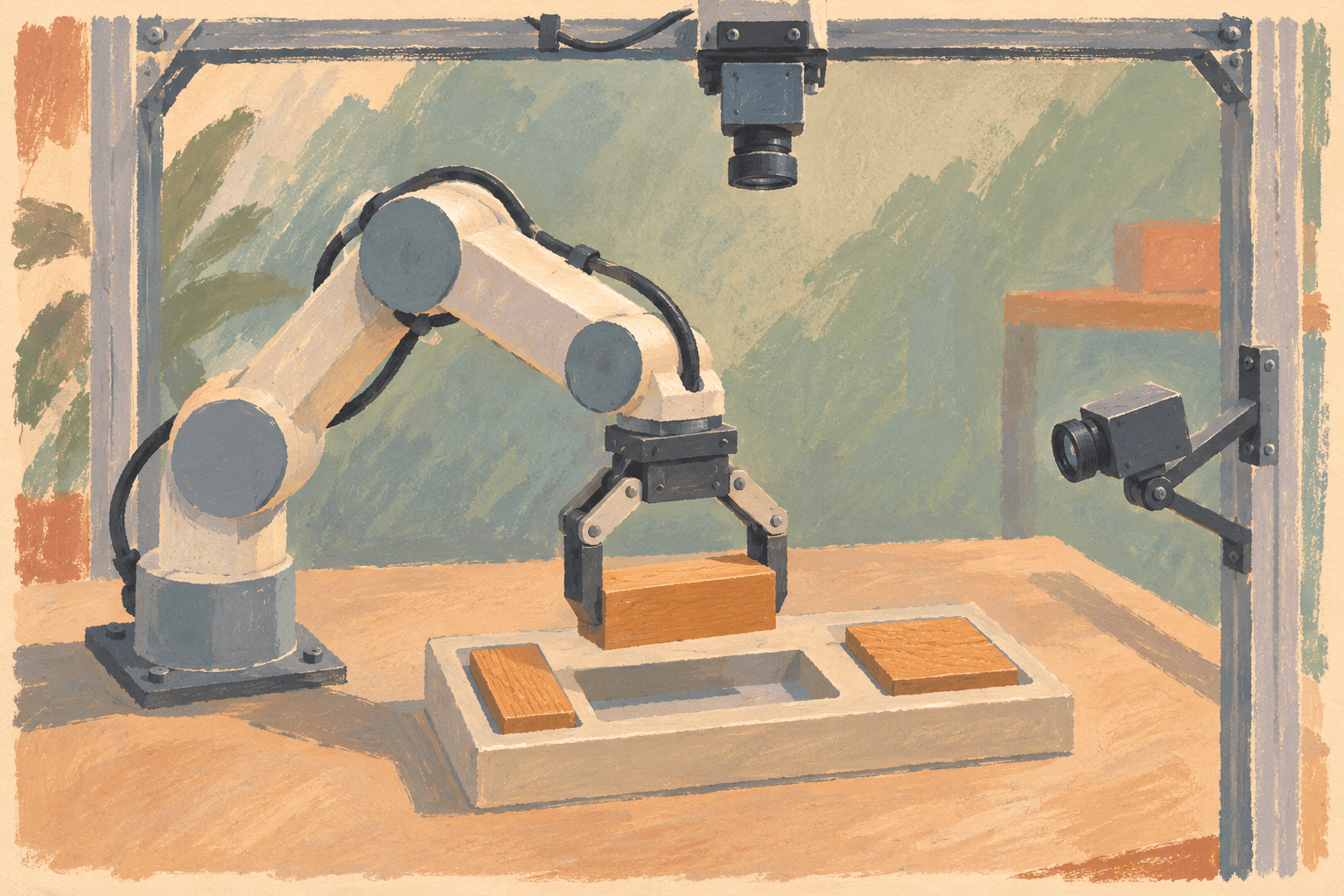
Curate and label synchronized camera, LiDAR, and telemetry data for detection, tracking, segmentation, and scene understanding.
For robotics and embodied AI
Scope labeling or collection around your sensors, tasks and acceptance criteria. Review the required signals and export format before expanding a program.
One operating record connects sensor data, annotation decisions, quality evidence, dataset versions, and model feedback.
Built for Physical AI programs
The same governed data loop supports perception, behavior, and embodied-model teams without forcing every program into the same schema or review policy.
Curate and label synchronized camera, LiDAR, and telemetry data for detection, tracking, segmentation, and scene understanding.
Define observations, recorded actions, measured robot state and task outcomes separately. Check which signals are present before treating video as a training trajectory.
Find rare scenarios, preserve review evidence, and release approved dataset versions for safety-critical evaluation and retraining.
Turn model failures and production drift into targeted scene searches, new work queues, and traceable dataset releases.
Check the input format, retained fields and output schema before starting a labeling program. These SDK paths distinguish sensor playback from conversion and policy-training data.
MCAP playback follows supported message schemas. The ROS bag SDK importer converts cameras and supported numeric/text topics; it reports skipped topics, including point clouds.
Supported message typesImport LeRobot data as MCAP recordings. The LeRobot v3 round trip preserves numeric and text columns; camera frames are re-encoded, so pixels are not identical.
LeRobot conversion guideOne Avala sequence becomes one LeRobot episode. State and actions require numeric source fields. Optional outcome labels are written to a sidecar; sequence-export timestamps follow the configured frame rate.
LeRobot conversion guideInspect the field mappings for two LeRobot v3 export paths. Required inputs differ: camera data alone does not provide robot actions. Expand either path to check its requirements before choosing a converter.
Default exports contain cameras, timestamps and task text. State and action require configured numeric source fields; missing values are errors. Outcomes are optional sidecar metadata. Sequence timestamps use the configured frame rate.
observation.images.*
--state-key → observation.state
--action-key → action
frame_index / fps → timestamp
--include-outcomes → meta/avala_sequence_outcomes.jsonlJoint states provide measured positions; a separate command topic provides actions. Frames follow the first camera, with other topics sampled at or before each frame. The export report records timing deviation, dropped leading frames and video encoding mode.
foxglove.CompressedImage / CompressedVideo → observation.images.*
/joint_states → observation.state
/joint_commands → action
frame_index / fps → timestamp
meta/avala_export_report.jsonOne continuous loop
Each stage writes back to the same governed record, so teams can move faster without losing context, quality, or provenance.
Dataset Ops
Avala manages traceable dataset deliveries today. The self-service registry and public resolver are in development.
Connected to the same dataset record
Annotation Ops
Route tasks, enforce labeling guidelines, and coordinate distributed teams with QC that is measurable, not subjective.
Connected to the same dataset record
Model Management
Monitor for drift, track real-world performance, and trace any release back to the data, labels, and decisions that produced it.
Connected to the same dataset record
One control plane
Mission Control keeps data, decisions, and model feedback in the same operating context. Teams can inspect the evidence behind a release instead of reconstructing it after delivery.
Dataset identity
Give every dataset and version a stable identity, with lineage back to its source scenes and quality decisions.
Control plane
Run annotation, review, consensus, and release policies from one control plane instead of stitching together project tools.
Managed execution
Add specialist people where the workflow needs judgment or throughput. The work stays in the system of record, not a services handoff.
Training-ready outputs
Publish model-ready data that stays linked to the raw scenes, transformations, annotation history, and acceptance criteria behind it.
Deployment and governance
Keep sensitive data private while teams work from one governed record. Avala runs on Avala Cloud, and BYOS (bring your own storage) keeps source data in your bucket and region. Access controls, auditability, and data isolation are built into the workflow.
Explore securityUse this checklist to scope a benchmark with Avala or another provider. Agree on evidence and acceptance criteria before work starts. Checking a box records your review in this page only; it does not certify a provider or submit a request.
Blank planning templates in English. Define requirements and record evidence before agreeing on a program. These files contain no results or commercial terms.
Build the loop
Bring a representative recording, your output schema and acceptance criteria. Evaluate integration first, then compare quality and effort before expanding the scope.